Graph Engineering for AI Agents: Design Workflows, Not Just Prompts
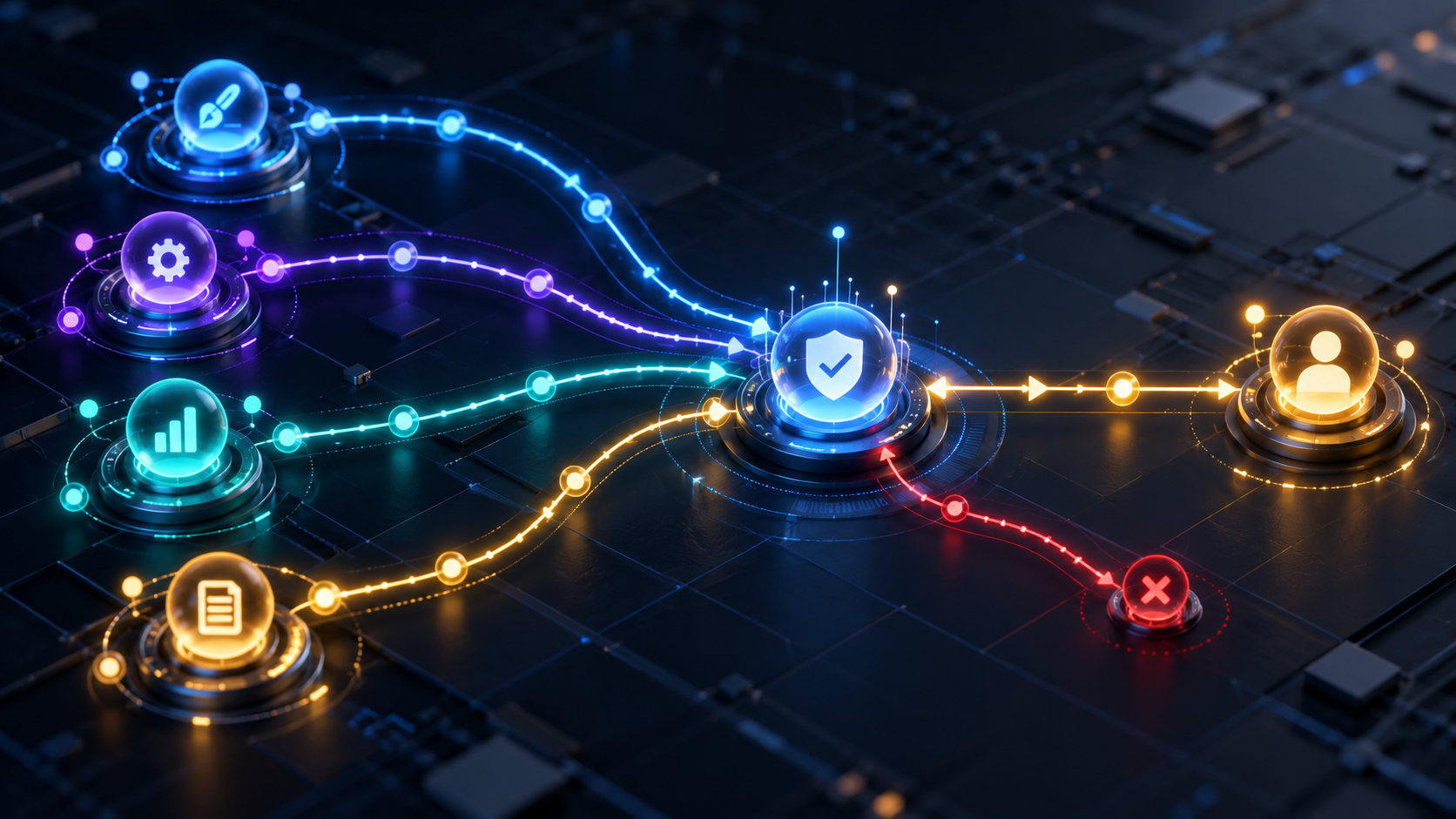
Graph engineering makes an agent workflow explicit: its steps, state, branches, parallel work, approval gates, retries, and stopping conditions.
Abhishek Raj
As AI tasks become multi-step, one open-ended agent loop becomes difficult to understand and even harder to debug. Graph engineering is a useful way to make the process visible. A workflow is represented as nodes that do work and edges that decide what happens next.
I naturally think in graphs because production operations already are graphs: intake, validation, handoff, exception, retry, approval. The moment a workflow involves real customers or a queue of work, "let the agent keep trying" stops being a design. I want to know where work is, why it moved, and who owns the next decision.
Why AI Agent Workflows Become Graphs
Even a simple agent has a graph hiding inside it: receive a task, gather context, choose a tool, inspect the result, and either continue, ask for help, or finish. Naming those steps matters because it lets a team control where decisions happen and retain state safely.
An explicit graph is particularly helpful for long-running, high-value workflows where failures, approvals, and handoffs must be recoverable.
Start With the Smallest Useful Graph
Do not begin by turning every workflow into a complex multi-agent diagram. Start with the known path: intake, retrieve evidence, produce a draft, validate it, and request approval if needed. Use deterministic code for deterministic steps and reserve model judgment for ambiguity.
Every node should have an input contract, output contract, timeout, and error policy. Every edge should answer a simple question: what evidence permits this transition?
State Is the Backbone
Agent state should be explicit, compact, and durable. Store the task ID, current step, relevant artifacts, validation results, user approvals, and a concise work summary. Avoid relying on a giant conversation transcript as the only source of truth.
Checkpoint state before an expensive call or irreversible action. Then a failed service, timeout, or human pause does not force the entire workflow to restart.
Fan Out, Fan In, and Human Gates
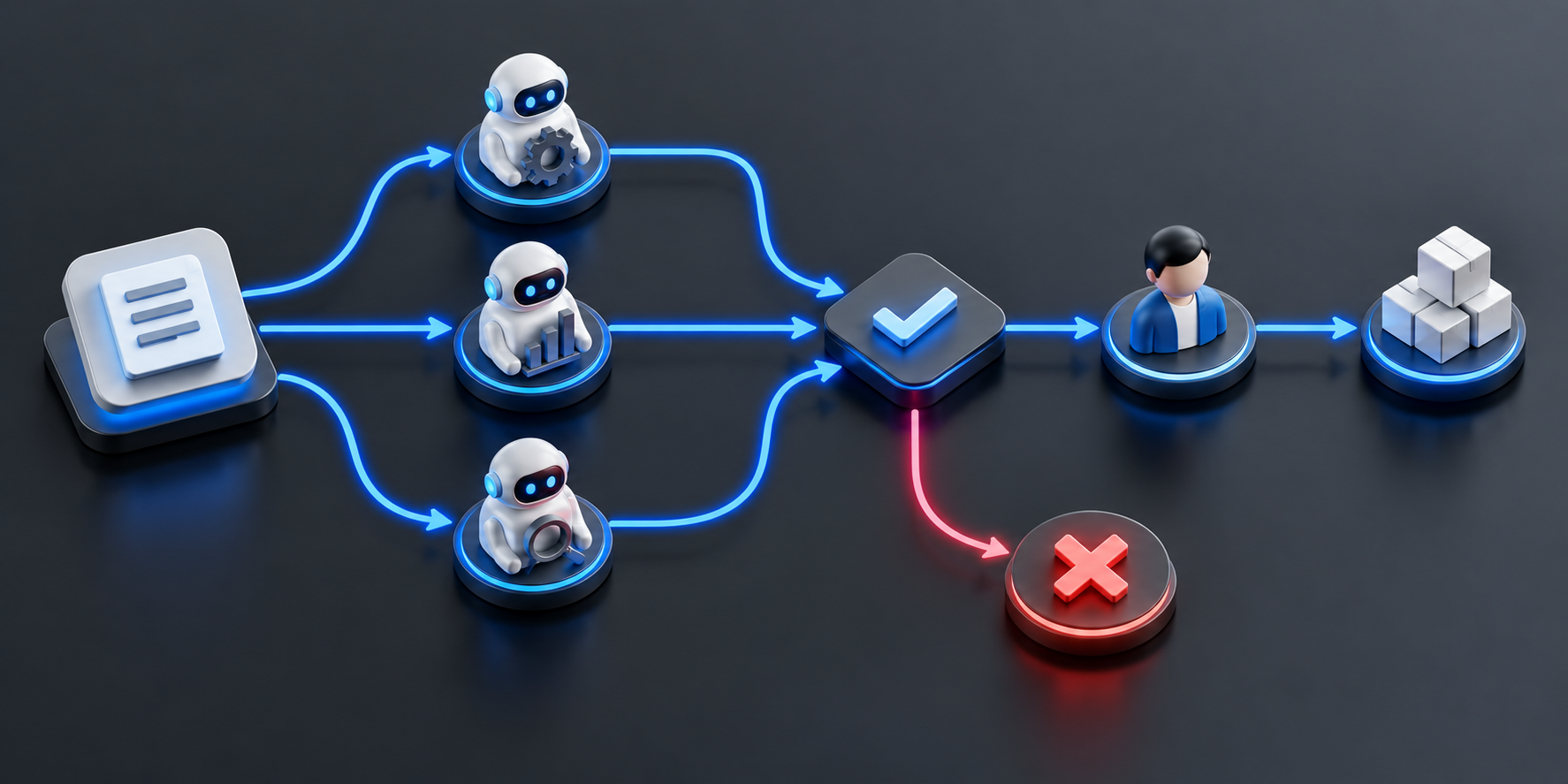
Graphs make parallel work easier to reason about. Independent research or review tasks can fan out, then fan in to a synthesis step. But aggregation needs rules: define how conflicts are resolved, what counts as enough evidence, and when the workflow escalates to a person.
Human approval is a first-class node, not an exception handler. It is appropriate for uncertain outputs and actions with financial, legal, security, or customer impact.
Optimize for Recovery, Not Autonomy
The goal of graph engineering is not to make an AI system look autonomous. It is to create workflows that can be inspected, tested, paused, retried, and improved. When the path is clear, a graph is often simpler and safer than asking one agent to improvise indefinitely.
A Five-Question Graph Review
Before adding a node, ask: what state enters, what state leaves, what can fail, who can approve it, and how does the workflow recover? If a node cannot answer those questions, it is not ready for production.