
MCP and AI Agent Tools: Building Safe, Useful Integrations
Tools turn an LLM from a conversational interface into a system that can inspect and act. The Model Context Protocol makes the integration layer clearer—but permissions still matter.
Abhishek Raj
AI agents become genuinely useful when they can read live data and take carefully bounded actions. That may mean searching documentation, querying an issue tracker, reading a database through a safe interface, or opening a pull request. Tool integration is where an AI prototype meets the real world.
Building browser automations taught me that an action is never just an action. A login state expires, a page changes, a third-party response is delayed, and somebody needs to know exactly what happened. That is why I prefer agent tools that expose a small, inspectable operation over a powerful tool that can do everything badly.
What MCP Changes
The Model Context Protocol, commonly called MCP, gives tools and context providers a shared way to describe capabilities to AI applications. Instead of creating a custom integration for every model and client, teams can expose a consistent interface for resources, prompts, and tools.
That interoperability is valuable, but it does not remove engineering responsibilities. A tool description is part of the agent's context; a poorly designed tool can still be confusing, overly broad, or unsafe.
Design Tools for Small, Verifiable Actions
The best agent tools do one clear thing and return structured results. Prefer get_customer_order(orderId) over a generic database shell. Prefer create_draft_refund over send_refund. Small tools are easier for the model to choose correctly and easier for a human to audit.
Make side effects explicit. Separate read operations from write operations, include dry-run support where possible, and return a clear record of what happened. Tool inputs should be validated by code, not trusted because an LLM supplied them.
Least Privilege Is the Default
An agent should receive only the permissions needed for its current task. Use scoped credentials, allowlists, role-based access, sandboxed execution, and approval gates for consequential actions. Never put a secret in model-visible context when a scoped server-side tool can do the job.
Treat external content as untrusted too. A web page, support ticket, or document may contain instructions intended to redirect an agent. Keep tool policy separate from retrieved content and validate decisions before execution.
Observability Makes Tools Operable
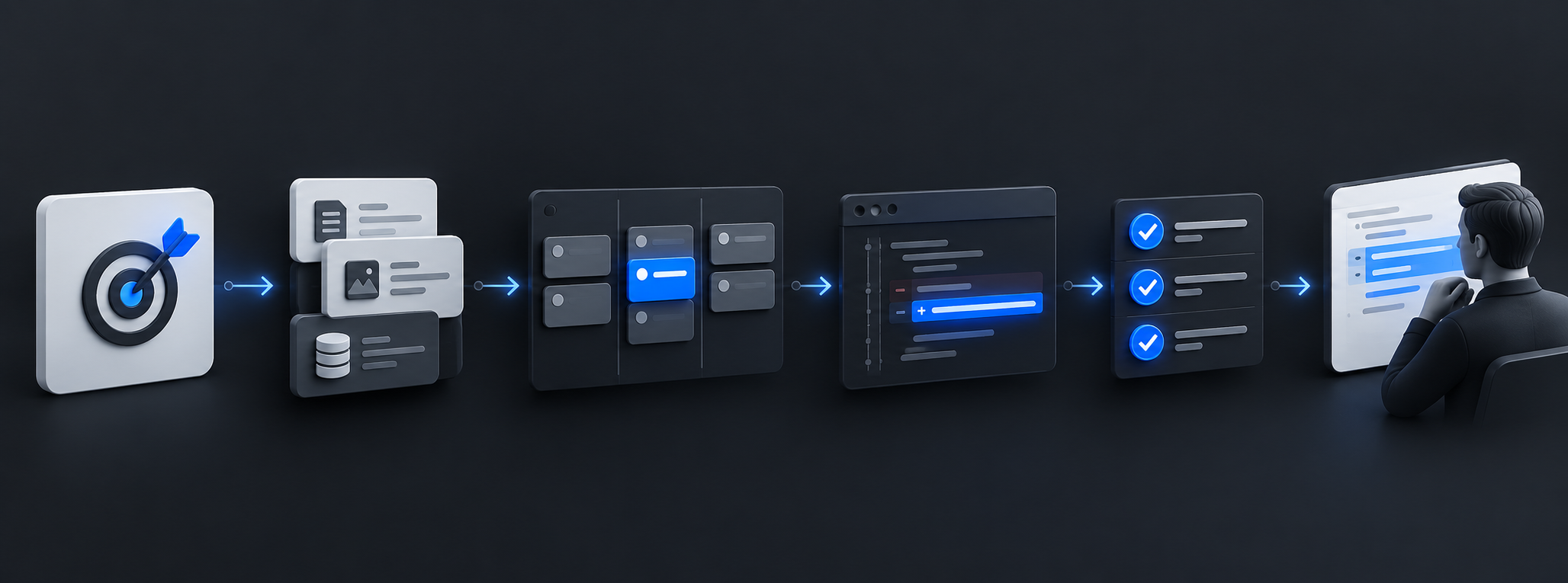
Log tool calls, inputs, results, authorization decisions, latency, cost, and failures with appropriate redaction. This gives engineers a way to answer basic production questions: what did the agent see, which action did it take, and why did it fail?
Start with read-only tools and a limited user group. Add write access only after you have a clear audit trail and a recovery plan.
An Integration Is a Product Surface
MCP and agent tools are not plumbing to hide after a demo. They are part of your product's security and user experience. Good tool design gives AI agents useful capability while preserving the controls that make software trustworthy.
A Tool Design Test
For every tool, write one sentence describing its allowed action, validate every input in code, and make the side effect visible in its result. If you cannot explain a tool's permission boundary in one breath, it is too broad for an agent.